UI Sparkle Model
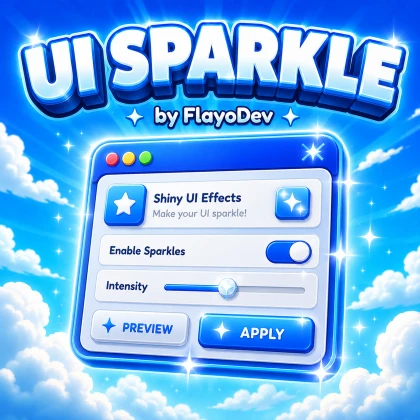
A sparkle animation effect for adding extra polish to your Roblox UI.
When to use it
Add a decorative sparkle to a UI element that deserves a little extra attention without redesigning the whole interface.
Example in a game
Try a brief sparkle on a newly unlocked item card rather than animating every button at once.
Integration checks
Review the intended UI hierarchy, clipping and draw order. Keep the effect subtle enough that text remains readable and repeated effects do not distract from gameplay.
A practical test
Try the effect on small and large screens, with multiple copies visible. Check performance and whether the animation cleans up when its UI is closed.
Get the current model
Open the Roblox listing to review the current asset and any included setup instructions. Add it to a test copy of your place first; this guide does not replace inspecting the model's scripts or its current terms.
Open on Roblox Creator Store ↗Common questions
Where are the exact configuration settings?
Check the current Creator Store listing and instructions included with the asset. This overview deliberately does not invent script names or setup values that may differ between versions.
What should I include in a bug report?
Send the model name, the steps you tried and the relevant Studio error to Flayo through the Contact page. Remove private IDs, keys or player information. Mention whether the issue happens in Studio, a published test, or both.