Skip to content
← Back to home
Tool 03

Free Models

Models I've built for Roblox projects. Browse the collection, grab what you need, and use it in your own game.
Feedback Model thumbnail
Feedback Model
A ready-to-use feedback system for collecting player feedback inside your Roblox experience.
Usage guide, checks & examples → Get model
Global Messages Model thumbnail
Global Messages Model
A global announcement system for sending admin messages across your Roblox experience.
Usage guide, checks & examples → Get model
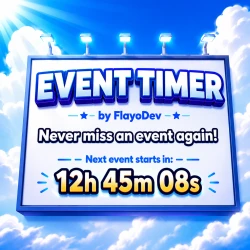
Event Timer Model thumbnail
Event Timer Model
A reusable event countdown timer that shows players when your next event starts.
Usage guide, checks & examples → Get model
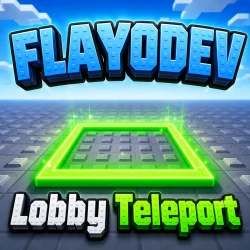
Lobby Teleporter Model thumbnail
Lobby Teleporter Model
A lobby party teleporter for grouping players and moving them into a game together.
Usage guide, checks & examples → Get model
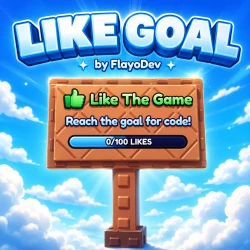
LikeGoal Sign Model thumbnail
LikeGoal Sign Model
A configurable like-goal sign that displays progress toward your experience's next goal.
Usage guide, checks & examples → Get model
Meet the Owner Badge Model thumbnail
Meet the Owner Badge Model
A model for awarding players a badge when they meet the owner in-game.
Usage guide, checks & examples → Get model
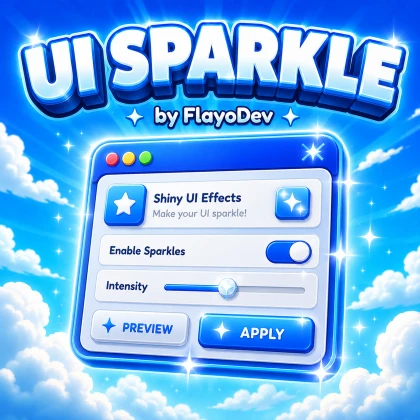
UI Sparkle Model thumbnail
UI Sparkle Model
A sparkle animation effect for adding extra polish to your Roblox UI.
Usage guide, checks & examples → Get model
VIP Doors Model thumbnail
VIP Doors Model
A VIP door setup for restricting access to eligible players in your experience.
Usage guide, checks & examples → Get model
Anti AFK Model thumbnail
Anti AFK Model
An anti-AFK system for keeping players active in your Roblox experience.
Usage guide, checks & examples → Get model
Nametag V1.0 Model thumbnail
Nametag V1.0 Model
A customizable nametag system for displaying player names, roles, and labels.
Usage guide, checks & examples → Get model
Can I assume every model works without configuration?

No. Badges, destinations, roles and other settings may be specific to your project. The individual guides highlight what to review; the current asset is the source for exact installation details.